Images and embeds
Responsive images, videos, and rich media embeds to enhance and illustrate your documentation.
Images
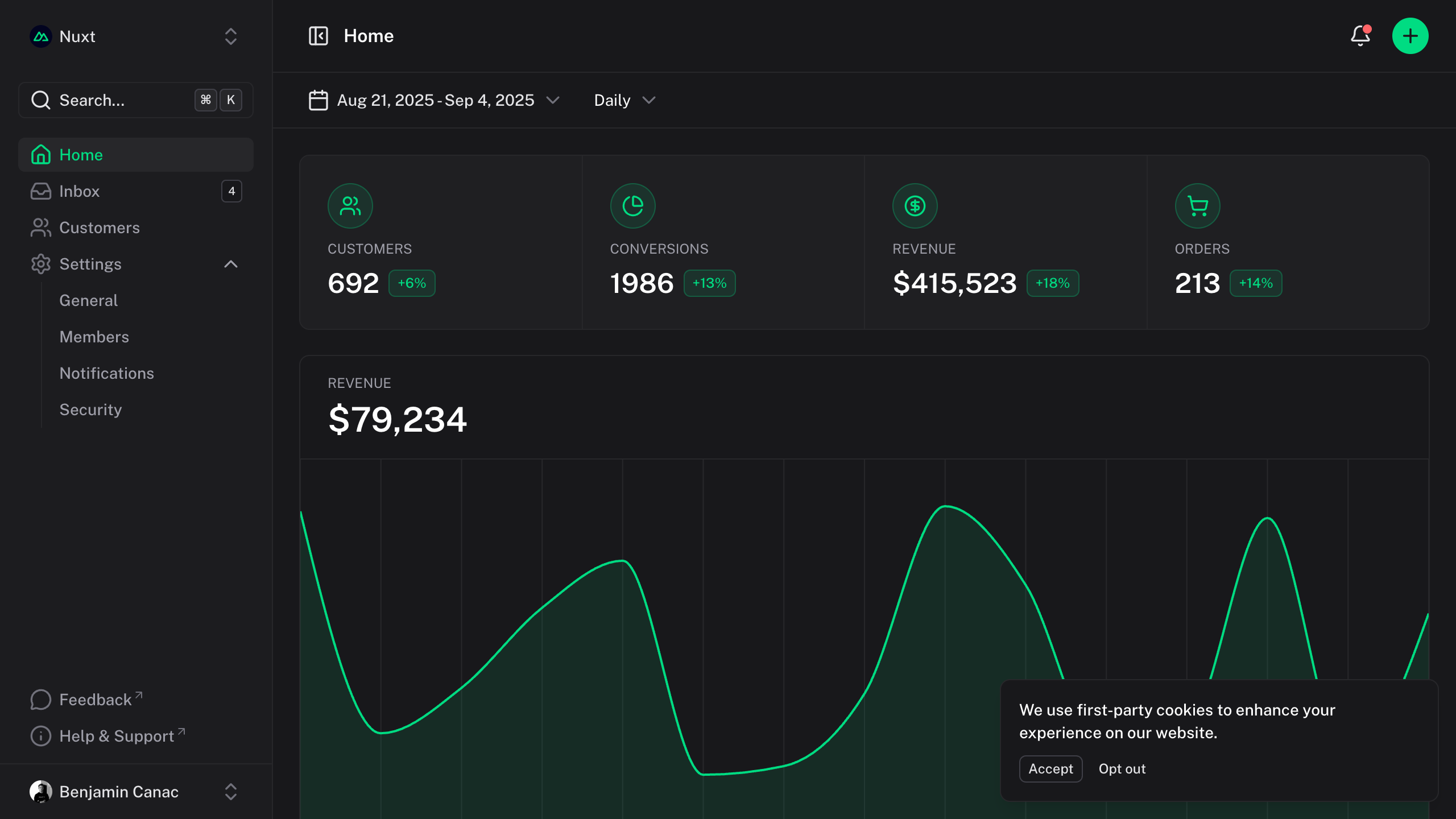
Responsive images with automatic optimization and interactive zoom functionality.

| Prop | Default | Type |
|---|---|---|
src* | string | |
alt* | string | |
width | string | number | |
height | string | number | |
zoom | true | booleanZoom image on click |
pohon | { base?: ClassValue; overlay?: ClassValue; content?: ClassValue; zoomedImage?: ClassValue; } |
We use unocss-variants to customize the theme. Read more about it in the theming guide.
Below is the theme configuration skeleton for the ProseImagesAndEmbeds. Since the component is provided unstyled by default, you will need to fill in these values to apply your own custom look and feel. If you prefer to use our pre-built, opinionated styling, you can instead use our UnoCSS preset, this docs is using it as well.
app.config.ts
export default defineAppConfig({
  pohon: {
    prose: {
      imagesAndEmbeds: {}
    }
  }
};
vite.config.ts
import { defineConfig } from 'vite'
import vue from '@vitejs/plugin-vue'
import pohon from 'pohon-ui/vite'

export default defineAppConfig({
  pohon: {
    prose: {
      imagesAndEmbeds: {}
    }
  }
};
Zoom
By default, images support interactive zoom: clicking an image opens it in a modal overlay with smooth transitions, allowing users to examine details more closely.
To prevent zoom on a specific image, add the :zoom="false" attribute.
{:zoom="false"}
Iframes
Easily embed interactive content like CodeSandbox, Figma, or YouTube.
YouTube
<iframe src="https://www.youtube-nocookie.com/embed/_eQxomah-nA?si=pDSzchUBDKb2NQu7" title="YouTube video player" frameborder="0" allow="accelerometer; autoplay; clipboard-write; encrypted-media; gyroscope; picture-in-picture; web-share" referrerpolicy="strict-origin-when-cross-origin" allowfullscreen style="aspect-ratio: 16/9; width: 100%;"></iframe>
CodeSandbox
<iframe src="https://codesandbox.io/p/devbox/nuxt-ui-xgrzw5" frameborder="0" allow="accelerometer; autoplay; clipboard-write; encrypted-media; gyroscope; picture-in-picture; web-share" referrerpolicy="strict-origin-when-cross-origin" allowfullscreen style="aspect-ratio: 16/9; width: 100%;"></iframe>
Figma
<iframe style="border: 1px solid rgba(0, 0, 0, 0.1); width: 100%; height: 450px;" src="https://embed.figma.com/file/1544369209862884086/hf_embed?community_viewer=true&embed_host=fastma&fuid=960610330589944894&kind=file&page-selector=0&viewer=1" allowfullscreen></iframe>